Food Journals & Tracking Apps
You can't fix what you don't measure. Whether you use a smartphone app or a paper journal, the habit of logging what you eat is the single best predictor of weight loss success.
Why Tracking Works
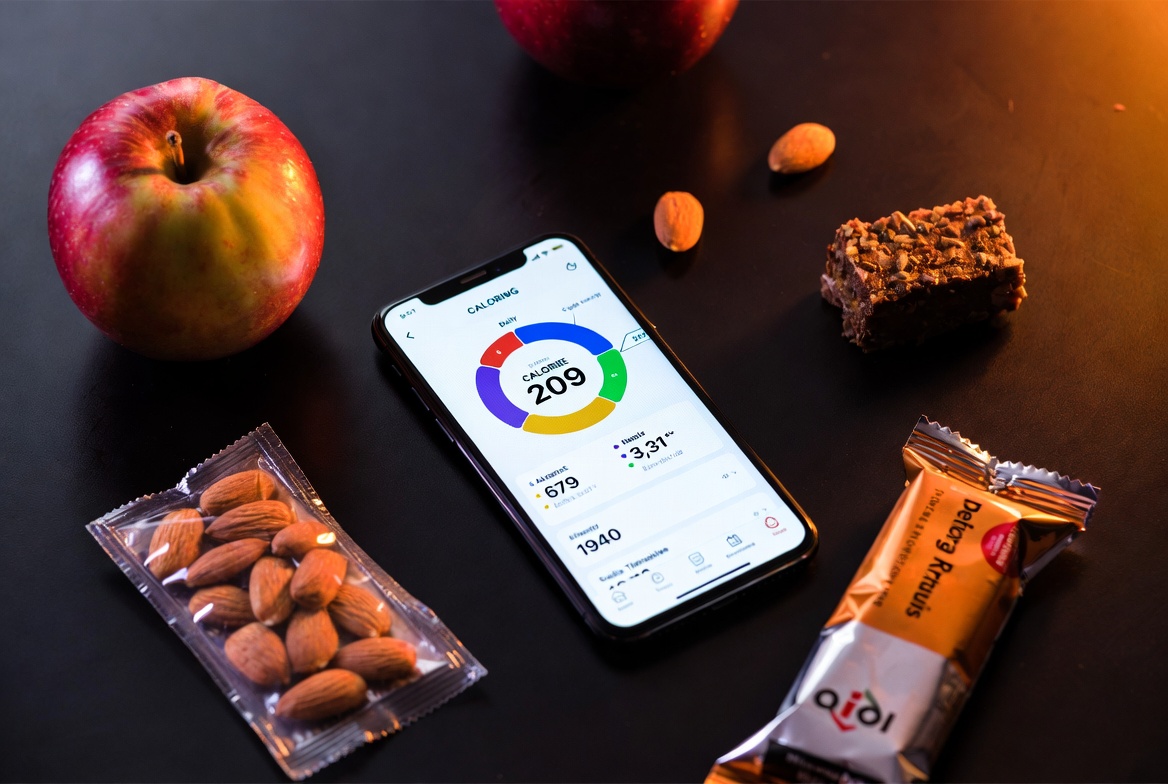
Study after study shows the same thing: people who keep a food journal lose roughly twice as much weight as those who don't. The mechanism is simple — tracking creates awareness. Most people have no idea they're eating 300 calories of snacks between lunch and dinner. The moment you write it down, you see it. And once you see it, you can change it.
You don't need to track forever. Most people only need 2-3 months of consistent tracking before they internalize portion sizes and calorie counts. Think of it as training wheels — essential at first, optional once you've developed the skill.
💡 Accuracy Over Precision
Don't obsess over hitting exact calorie numbers. Being consistently within 100-200 calories is far more valuable than nailing the exact count once and then giving up because it's too tedious. A "good enough" log every day beats a perfect log once a week.
Calorie Tracking Apps — Compared
Every serious calorie tracking app has a barcode scanner, a food database, and macro breakdowns. The differences are in accuracy, user experience, and what you get for free vs. paid. Here's an honest comparison:
| App | Free Tier | Premium | Best For | Database |
|---|---|---|---|---|
| MyFitnessPal | Calorie logging, barcode scan | $20/mo — macros, meal plans, insights | Largest user base, most restaurant entries | 14M+ foods (user-submitted, variable quality) |
| Cronometer | Full calorie + micro tracking | $10/mo — recipe sharing, timestamps | Accuracy-obsessed trackers, micronutrient nerds | Verified NCCDB + USDA (highest accuracy) |
| Lose It! | Calorie logging, snap-to-log | $40/yr — macros, meal plans, patterns | Simplest interface, best for beginners | 27M+ foods (verified + user) |
| MacroFactor | None — $72/yr only | $72/yr — adaptive TDEE, coach algorithm | Data-driven users who want auto-adjusting targets | Verified only (smaller but accurate) |
The Recommendation
- Just starting out? → Lose It! — cleanest UI, least overwhelming, free tier is generous.
- Want accuracy? → Cronometer — verified food database means no garbage entries. Free tier includes macros.
- Already experienced? → MacroFactor — its algorithm learns your actual TDEE from your weight + intake data and adjusts targets automatically. Worth $72/yr if you're serious.
- Social/restaurant heavy? → MyFitnessPal — most restaurant menu items are in its database, though accuracy varies.
⚠️ User-Submitted Entries Can Be Wrong
MyFitnessPal's database is huge but includes user-submitted entries that can be wildly inaccurate. A "chicken breast" entry might say 90 calories instead of 165. Always cross-check suspicious entries or use verified databases like Cronometer's.
Paper Journals — The Analog Option
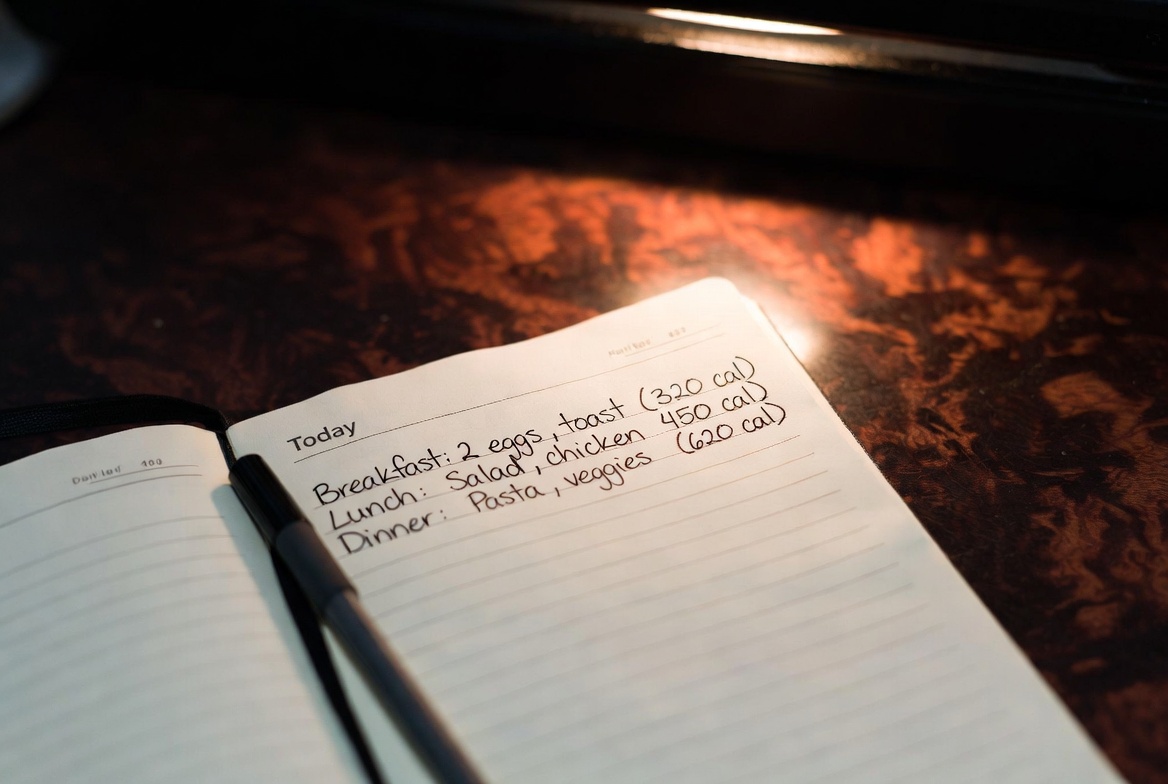
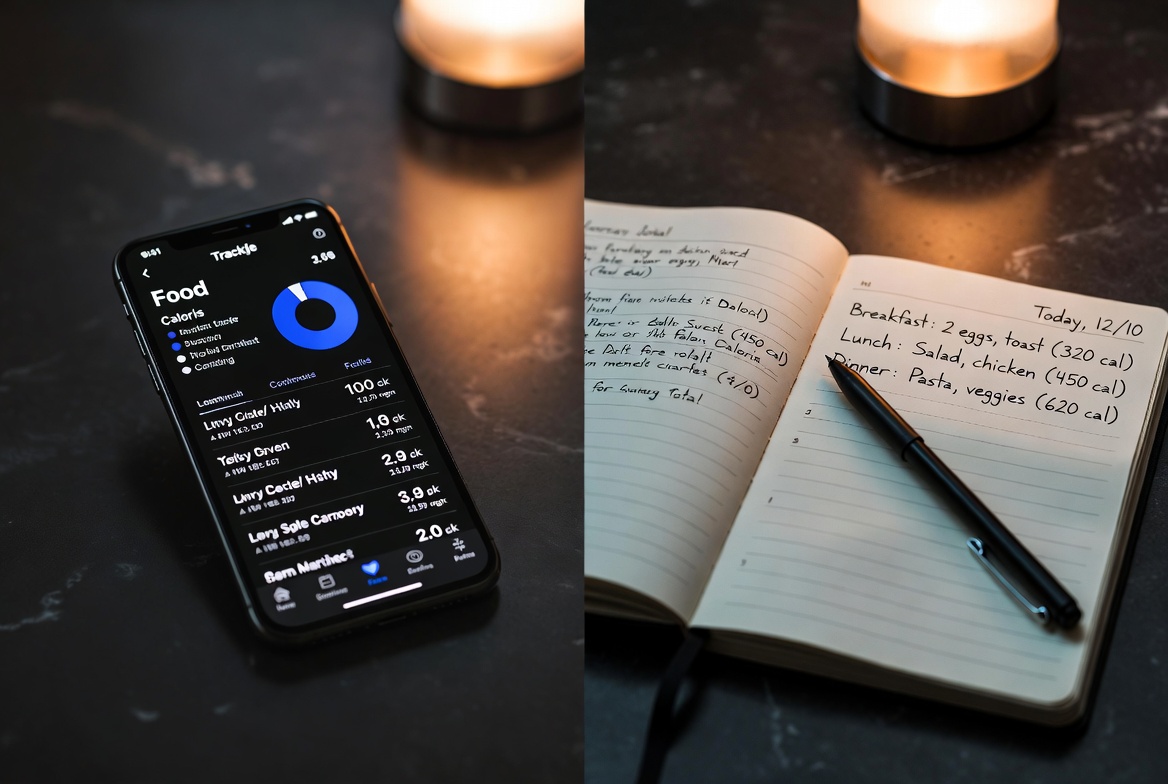
Apps aren't for everyone. Some people find that writing by hand forces more mindful engagement with what they're eating. You have to look up the calories, write them down, add them up. That friction is the point — it slows you down and makes you think.
The downside: no barcode scanner, no automatic totals, requires a calorie reference (Google or a pocket calorie book). But for people who find apps stressful or get lost in the data, a simple notebook can work just as well.
Recommended Products
Physical Journals
Clever Fox Food Journal
Pocket food journal, 4 by 5.5 inches. Daily calories, macros, and water for 3 months. Undated, so you can start any day.
View product →Calorie King Pocket Guide
Pocket-sized calorie reference covering 25,000+ foods including restaurant chains. Essential companion for paper journaling. Updated annually.
Shop on Amazon →Habit Tracker Journal
Not food-specific, but perfect for tracking the behaviors that lead to weight loss: water intake, steps, meal timing, sleep, gym sessions. Build systems, not just goals.
Shop on Amazon →Pocket Notebook (3-Pack)
The minimalist option. Carry a pocket notebook, jot down everything you eat, look up calories later. No structure needed. Just awareness.
Shop on Amazon →App Accessories
PopSocket Phone Grip
Sounds trivial, but a phone grip makes one-handed food logging at the kitchen counter much easier. Prop your phone up while cooking and log as you go.
Shop on Amazon →Phone Stand for Kitchen Counter
Adjustable phone stand that keeps your screen visible while cooking. See recipes and log food without touching your phone with messy hands.
Shop on Amazon →As an Amazon Associate, I earn from qualifying purchases. Product links on this page are affiliate links — they cost you nothing extra.
Building the Tracking Habit
Here's what actually works for making tracking stick:
- Log before you eat, not after. Entering food before eating lets you adjust portions in advance. "I was going to have 2 cups of rice, but the app shows that's 450 calories — I'll do 1 cup."
- Batch-log meals you repeat. Most people eat the same 10-15 meals on rotation. Save them as "meals" or "recipes" in your app for one-tap logging.
- Don't skip days. A partial log is better than no log. Even listing foods without calories keeps the awareness habit alive.
- Set a "close the loop" alarm. A daily 8pm reminder to review and complete your food log. Takes 2 minutes.